See the whole month
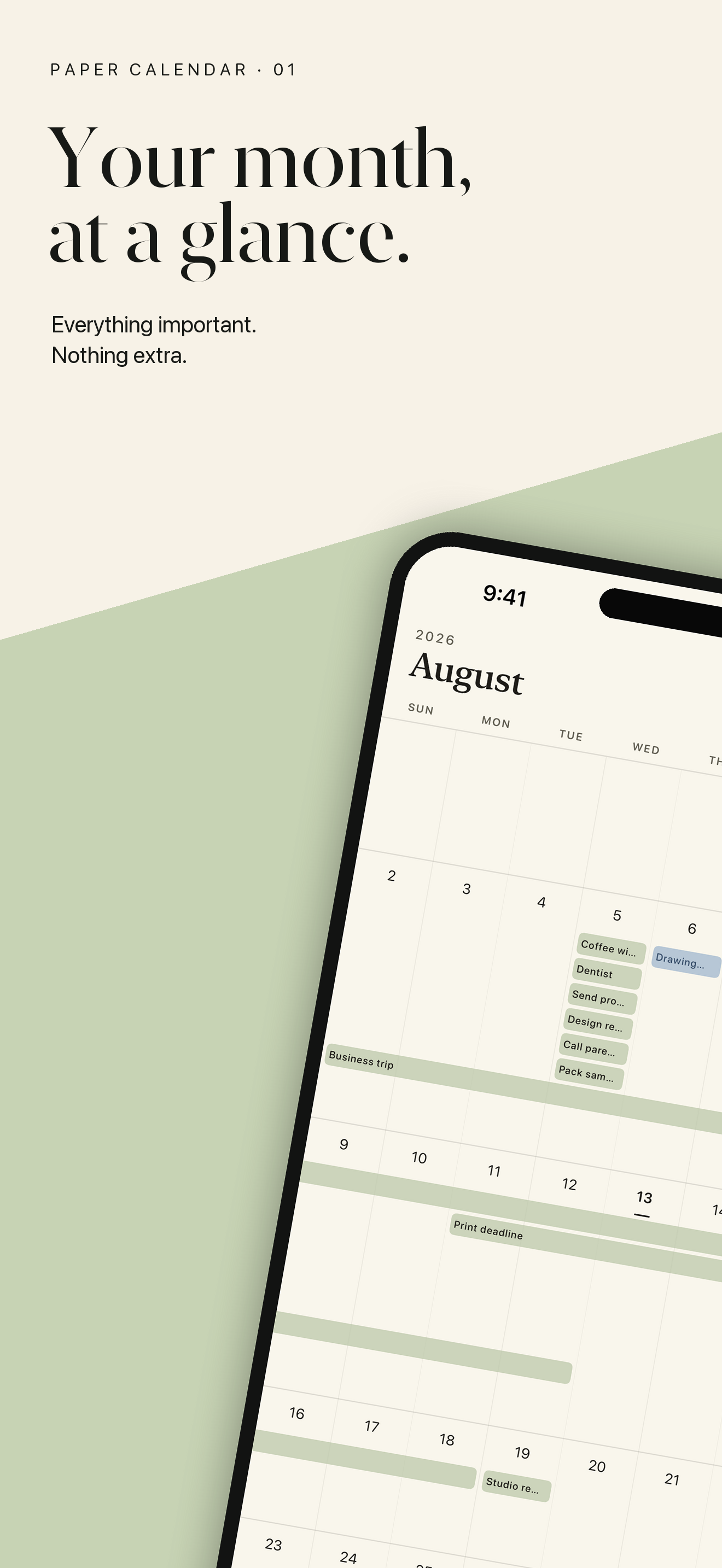
Compact schedule labels keep your plans visible without opening every day.
 Paper Calendar
Simple planner for iPhone
Paper Calendar keeps the familiar month view and removes the clutter—so you can see, add, drag, and repeat schedules in one calm place.
Only what matters
Compact schedule labels keep your plans visible without opening every day.
Tap a day and enter a schedule directly inside the calendar.
Press and drag to turn a one-day idea into a multi-day plan.
Choose weekdays and a date range to add a weekly routine all at once.
Local by design
Schedules are stored inside Paper Calendar. Nothing is imported or exported automatically, and resetting the app never deletes events from Apple Calendar, iCloud, Google, or Outlook.
Read the privacy policy